Use case
Shiori Bookmark Manager
Shiori gives every link you have or want to save a home in Chrome, the web dashboard, and your Mac menu bar.
Pulling them out of the browser puts everything in one place, and opens up more options: open a link in a specific browser or profile, keep everything synced and available on supported platforms.
Keyboard Driven
Saved in a snap
The Shiori Mac app is keyboard-driven. Open it with a shortcut, paste a URL to save it, then optionally add a tag or sort it into a folder.

Organize
A folder for every link
Group links by tag, sort them into folders, or build a saved filter for a topic.
Or skip it entirely and just save. No system required.

Save it once. Find it the moment you need it.
Mac-native
One click away
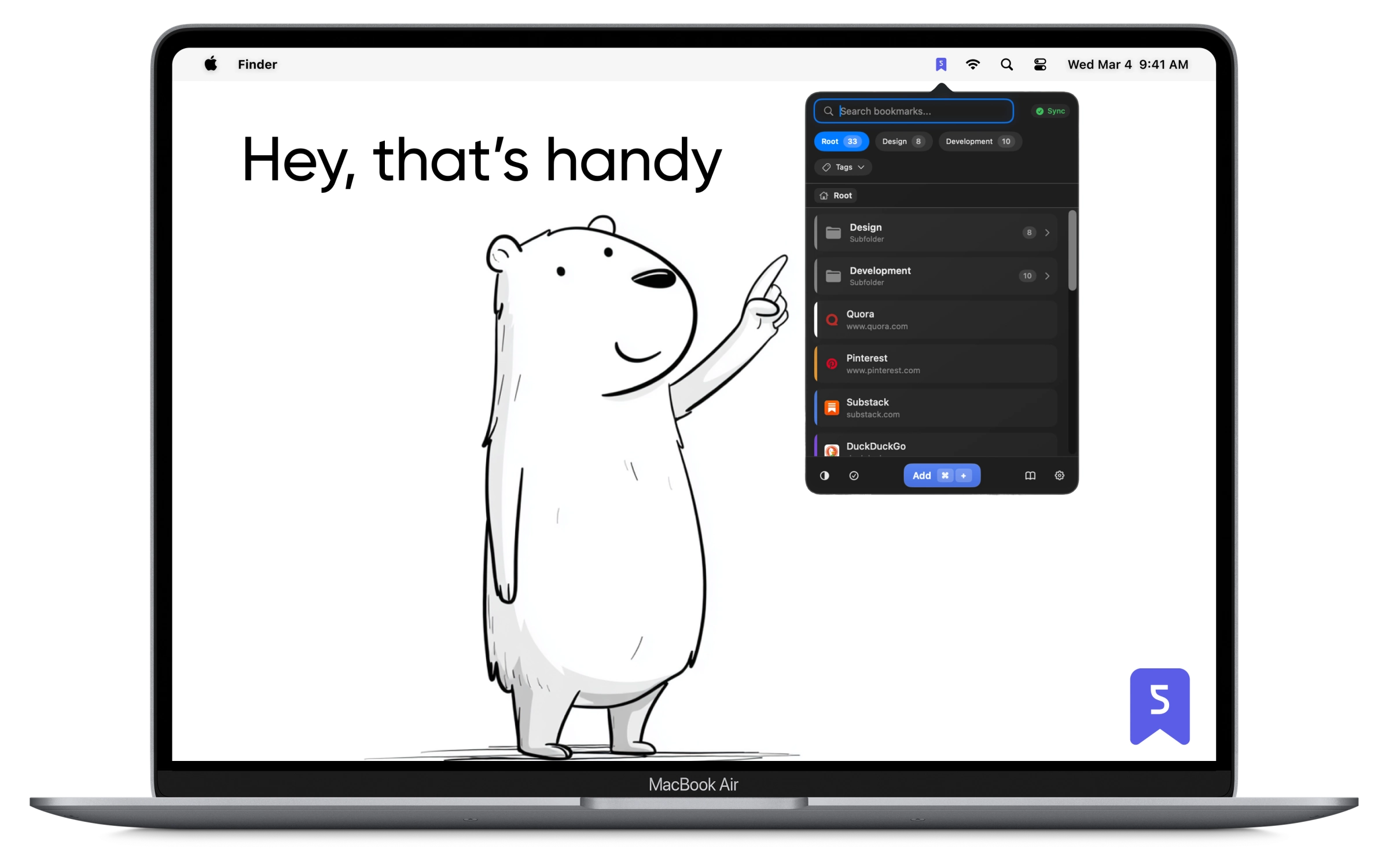
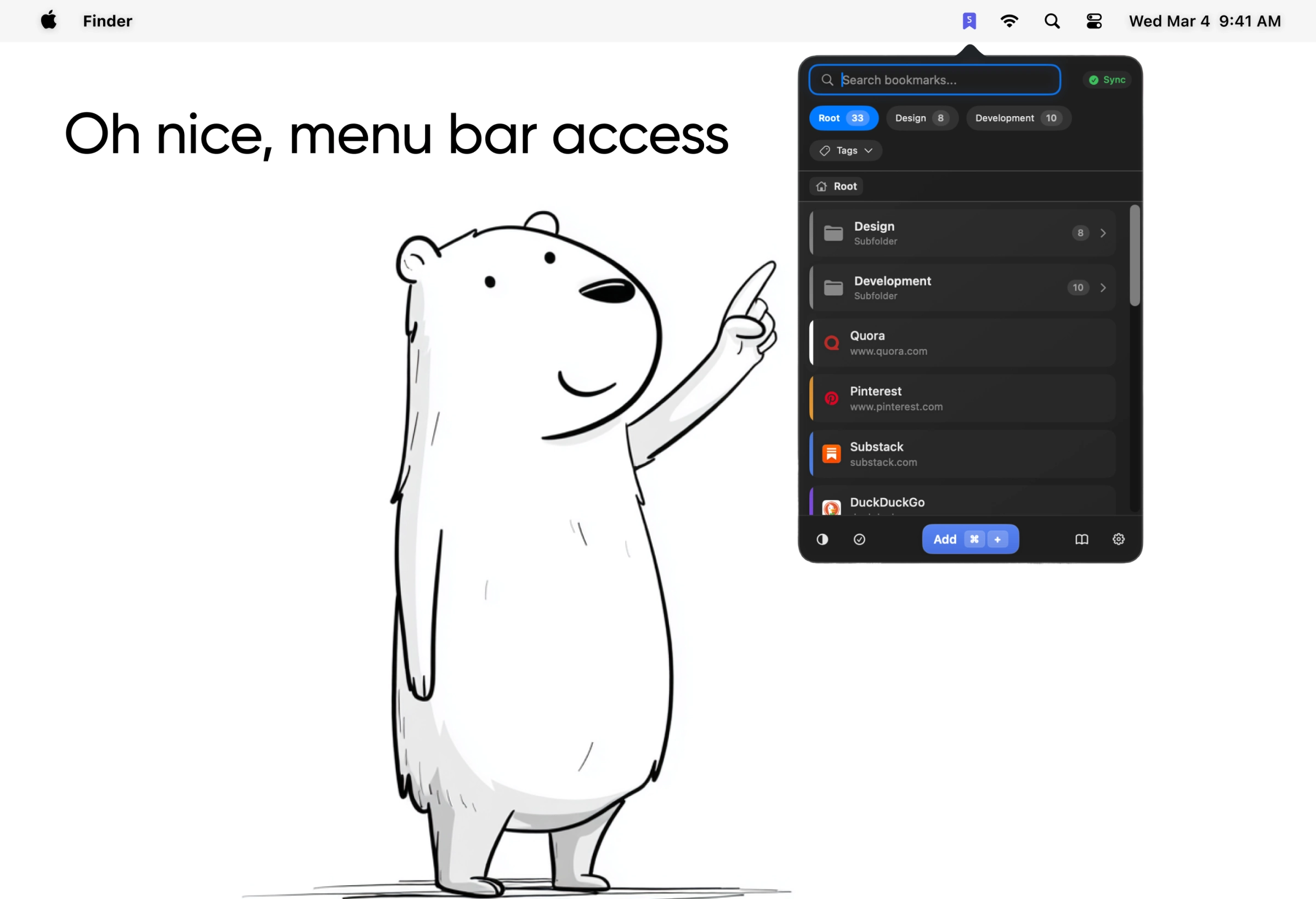
Shiori lives in your Mac menu bar, so your links are one click away from any app. No window to open, no browser to dig through.
Search
Find what you need in seconds
Full-text search looks inside titles, descriptions, and tags, so a half-remembered word is enough to surface the right link.
Results narrow as you type, so the right link is a word or two away.

Link Groups
Launch multiple links
Save related links as a group and open them all with one click, instead of opening each tab by hand.

Demo
See Shiori in action
A quick look at saving, organizing, and finding links, start to finish.
Frequently Asked Questions
Got questions? We've got answers.
There's no free trial, but every plan comes with a 30-day money-back guarantee, so you can buy Shiori and try it risk-free.
ExtraBar users have a free, limited plan that includes 500 bookmarks and sync across all their devices.
Yes. Import your bookmarks via JSON, CSV, or HTML export from your other bookmark managers or browsers.
Yes. Your bookmarks are encrypted and kept private. We never sell or share your data, and you can export or delete it whenever you want.
Pay once and every future update is included. One license covers all your devices and all available platforms, including Chrome on Windows.
No. Lifetime stays a one-time purchase. The AI Add-on will be an optional subscription on top of it, because AI features have ongoing running costs.
We offer a 30-day money-back guarantee. If you're not satisfied with your purchase, contact us within 30 days for a full refund.
Got more questions? Contact us
